
For customers
Compare prices and choose a provider
Read the offers you receive, compare them, and accept the one you want.
Providers send you their price for your job. These offers are called bids. You choose which one to accept — you are never obliged to accept any of them.
-
Open your request
Go to My Requests and open the job you booked. The status shows where it stands:
- Pending — no offers yet
- Active — at least one provider has sent a price
- Confirmed — you accepted an offer and the job is booked
- Expired — the request period ended without you accepting
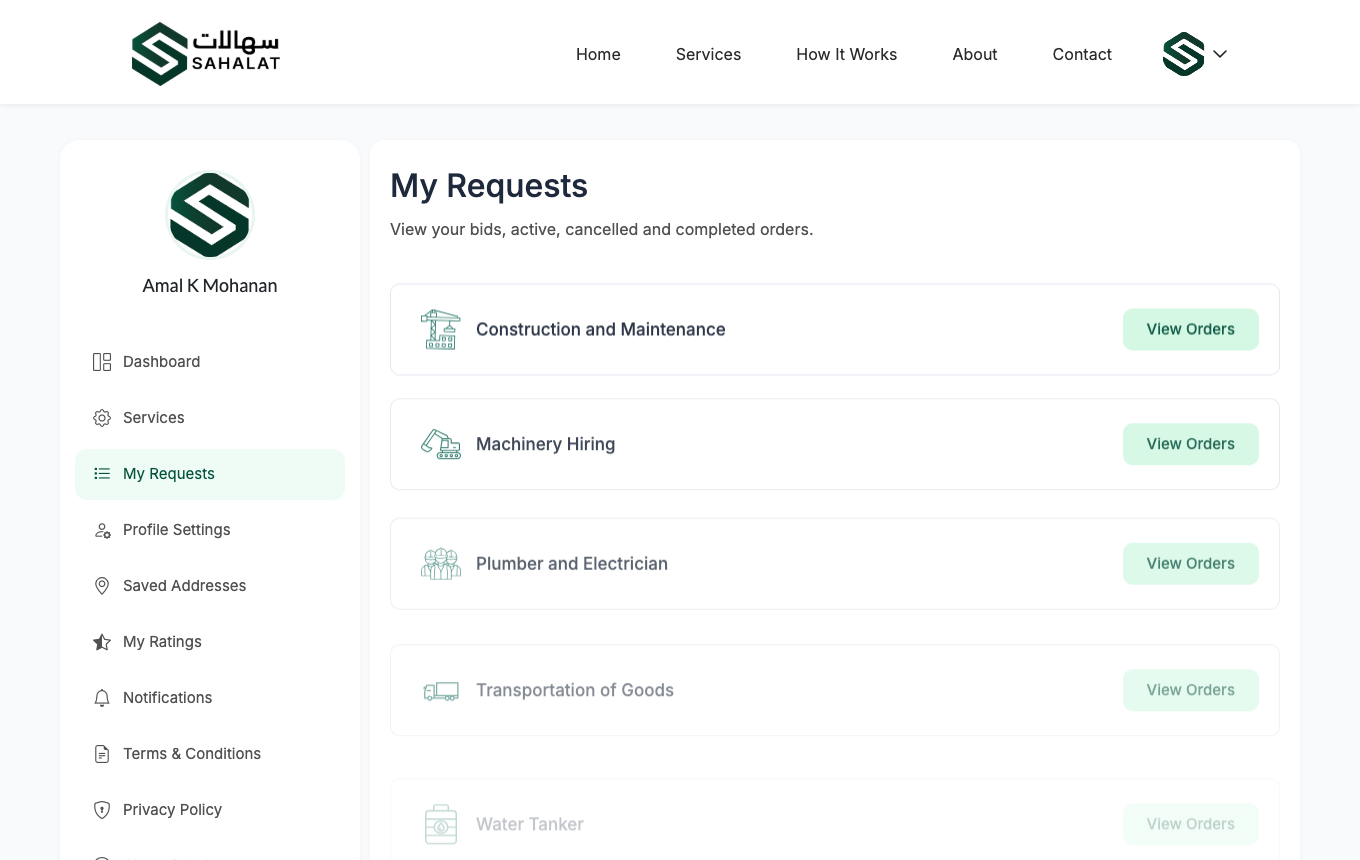
My Requests. The status tells you whether offers have arrived yet. -
Read the offers
Each offer shows the provider's name, their star rating, the price and any discount. The final amount is what you would pay, in Bahraini dinar.
Providers usually add notes explaining what is included and how long the work will take. For machinery hire you also get an itemised list — each machine, its daily rate and the number of days.
-
Answer any questions the provider asks
Before quoting, a provider may ask to call you, or to visit the site first (common for construction work). Both appear on your request and you can accept or decline each one.
Accepting a call request simply lets them contact you. It does not commit you to anything.
-
Accept the one you want
When you are happy with an offer, click Accept. This confirms the job.
Accepting is finalThe moment you accept one offer, every other offer on that request is declined automatically and your order is created. Compare them all before you decide.
Declining an offer
You can decline an offer you do not want and add a reason. This does not close your request — other providers can still send prices until the request period ends.
If no offers arrive
If your request period ends with no offers, the request expires. You can book again, and it is worth widening the request period or checking that the details are not unusually specific.



 Continue with Google