
For customers
Leave a rating and manage your account
Rate the provider, keep your addresses up to date and change your password.
After a job is finished you can rate the provider. You can also keep your addresses and personal details up to date from your account.
Rating a provider
-
Open the completed order
Once every visit is confirmed, a rating option appears on the order.
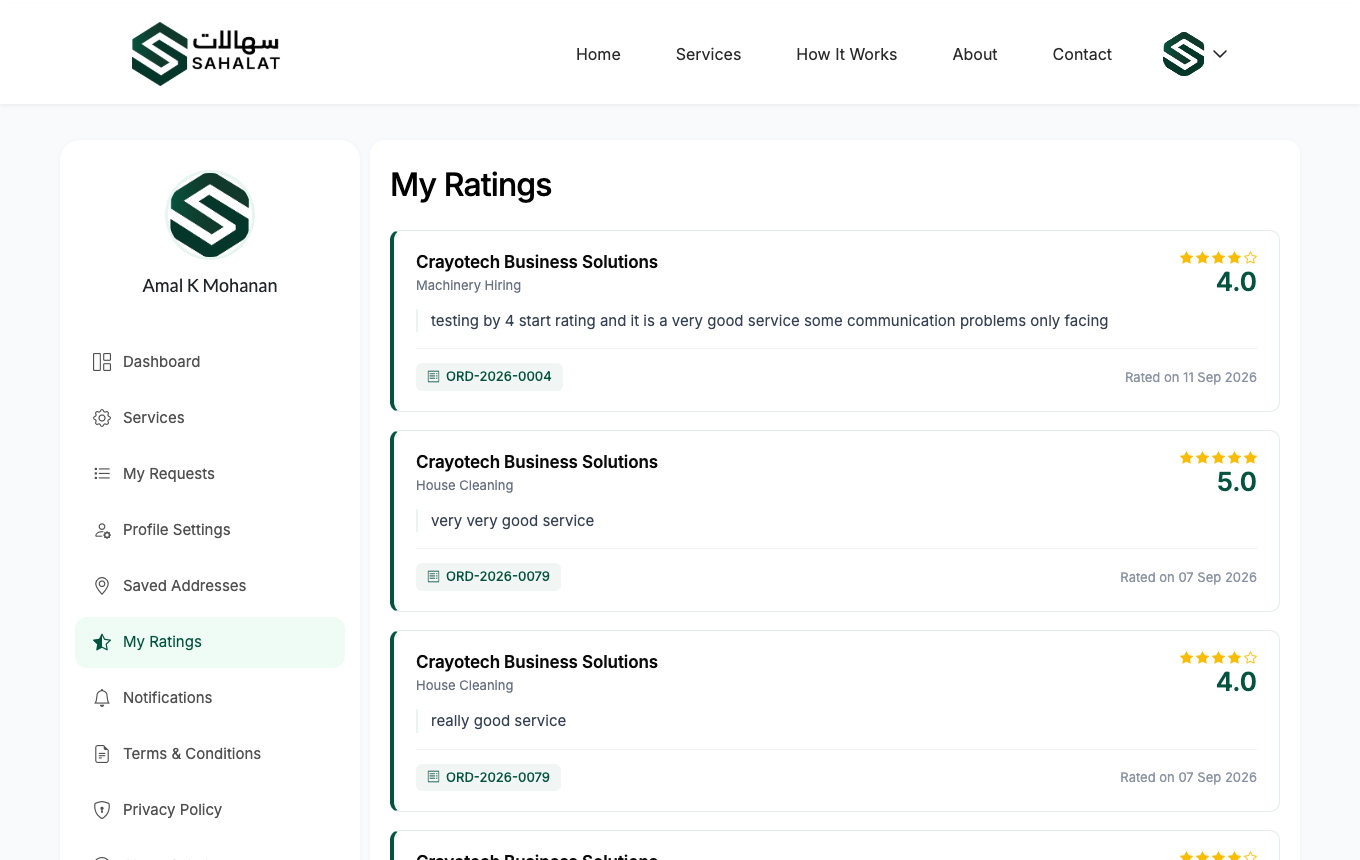
My Ratings lists every rating you have given. -
Give a score and a comment
Choose between one and five stars, and add a short review if you want to. Your rating becomes part of the provider's public average, which helps the next customer choose.
You only get one goA rating cannot be edited or removed once you submit it, so take a moment before sending.
Your saved addresses
-
Add the places you book for
Go to Addresses and add the places you book services for — home, office, a site. Each one uses the standard Bahrain format: flat or shop number, building, road, block, town.
Mark one as your default and it will be filled in automatically every time you book.
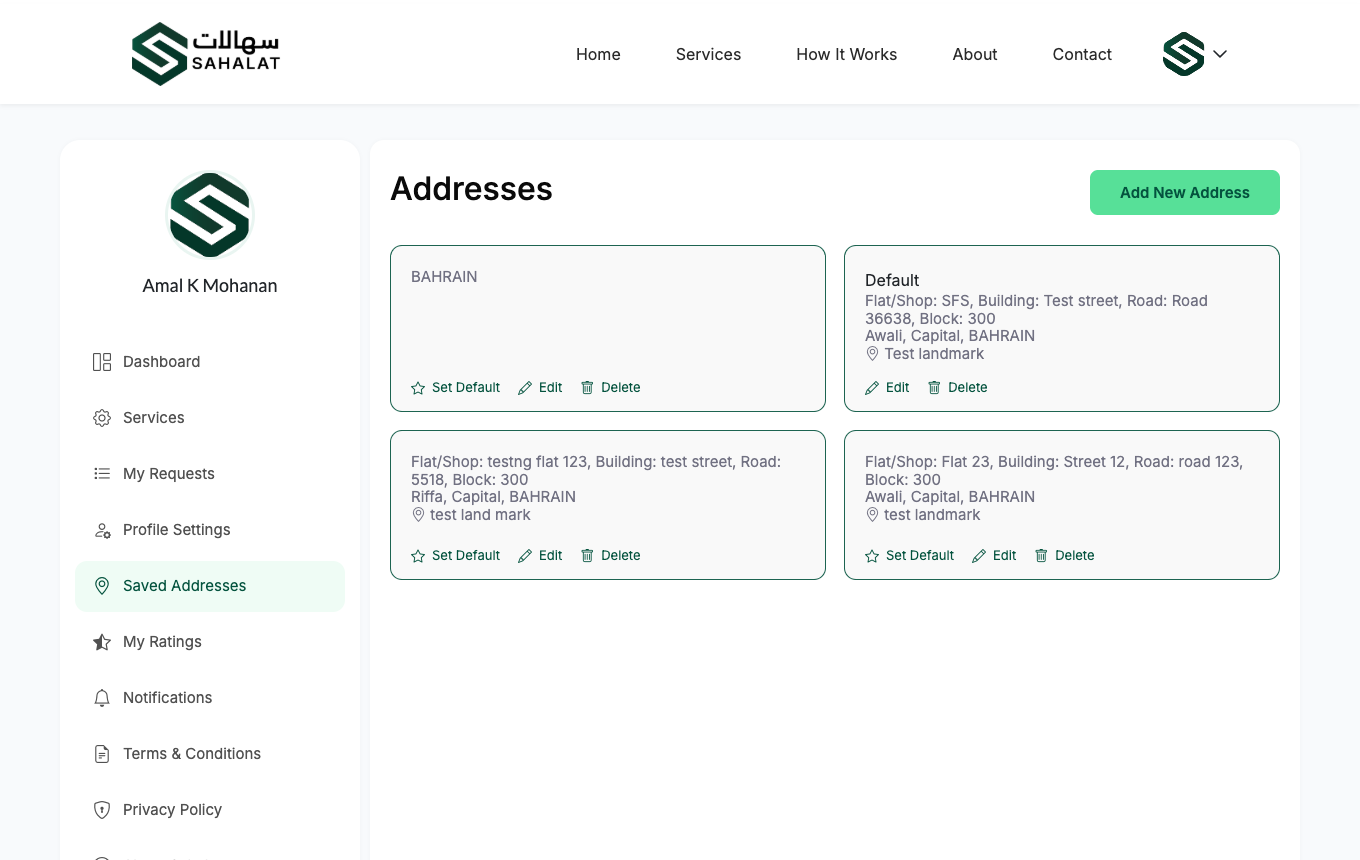
The address book. One address can be your default.
Your details and password
-
Update your profile
Change your name, photo or password under Profile.
Changing your email address or mobile number needs a confirmation code sent to the new one — this stops anyone else changing where your account notifications go.
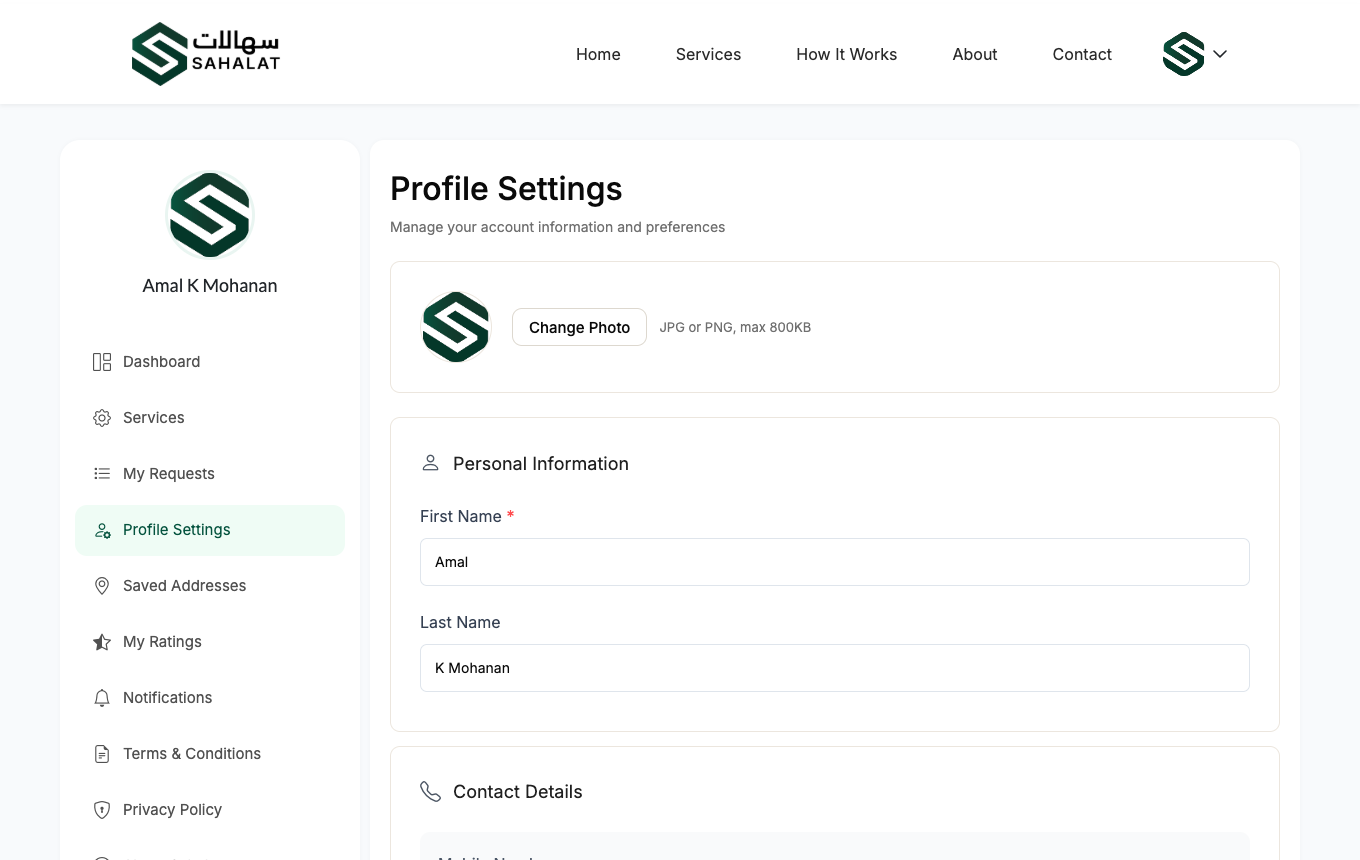
Your profile page, where you change your name, photo and password.
Notifications
You are notified when a provider sends you a price, asks to call you, starts or finishes a visit, or cancels. They appear in the bell menu, and you can mark them all read at once.



 Continue with Google